Sunday, 5 January 2014

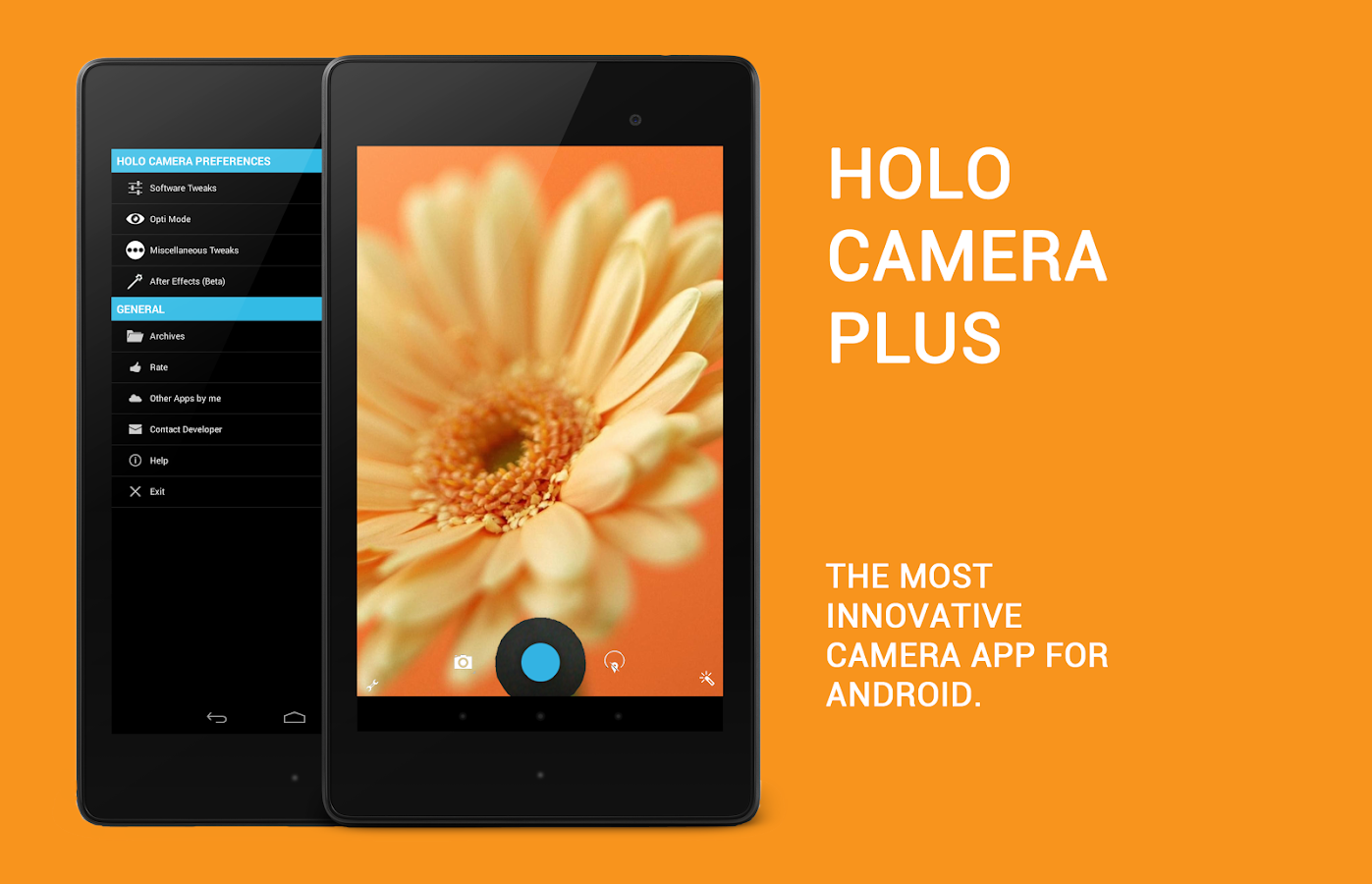
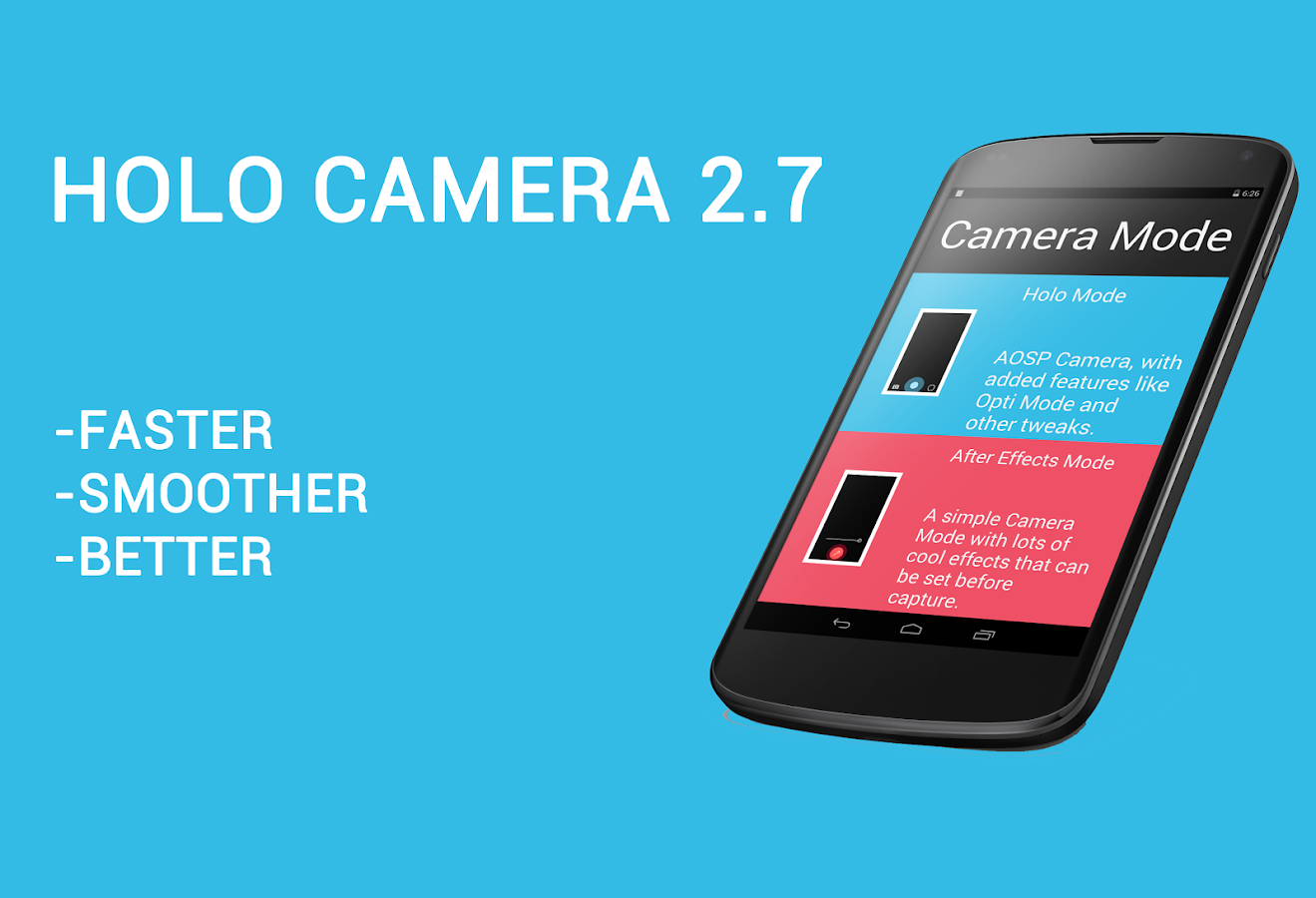
Holo Camera PLUS v2.7.2 APK


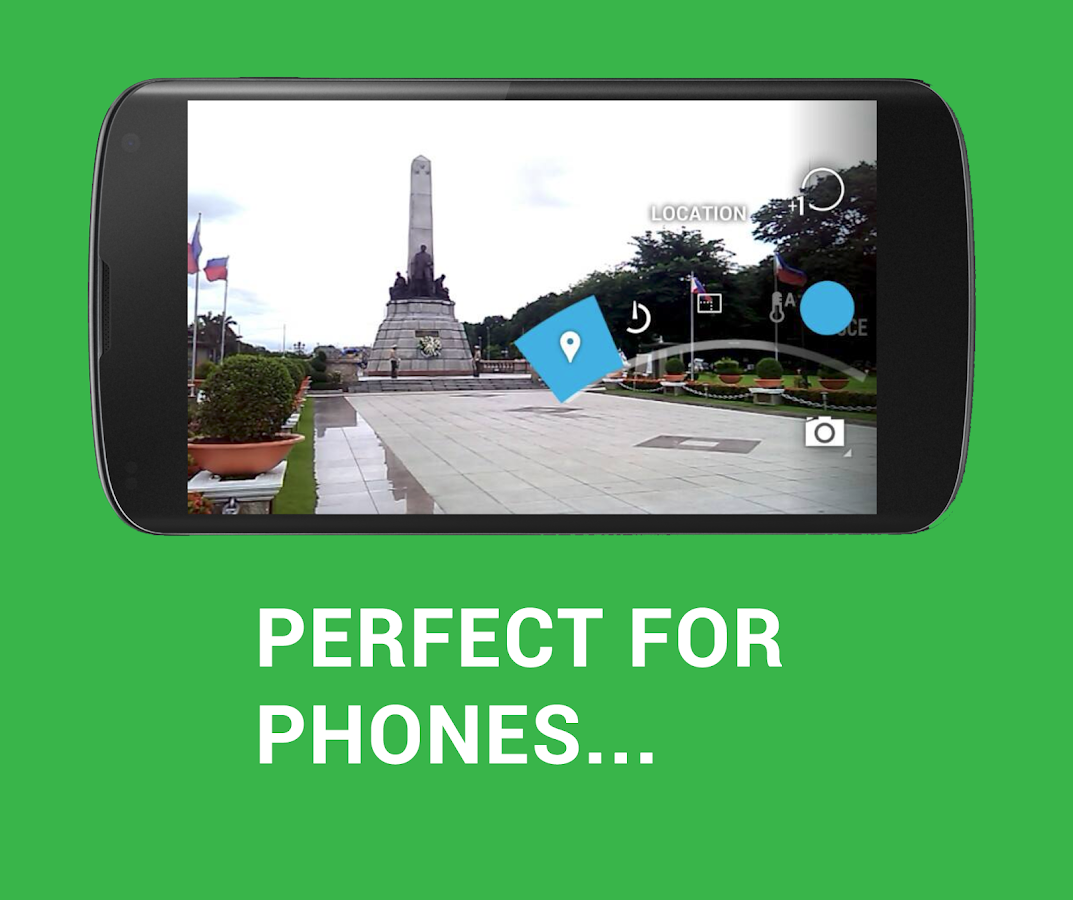
Holo Camera+ is designed to work with all devices running Android 4.0 ( ICS ) and higher.
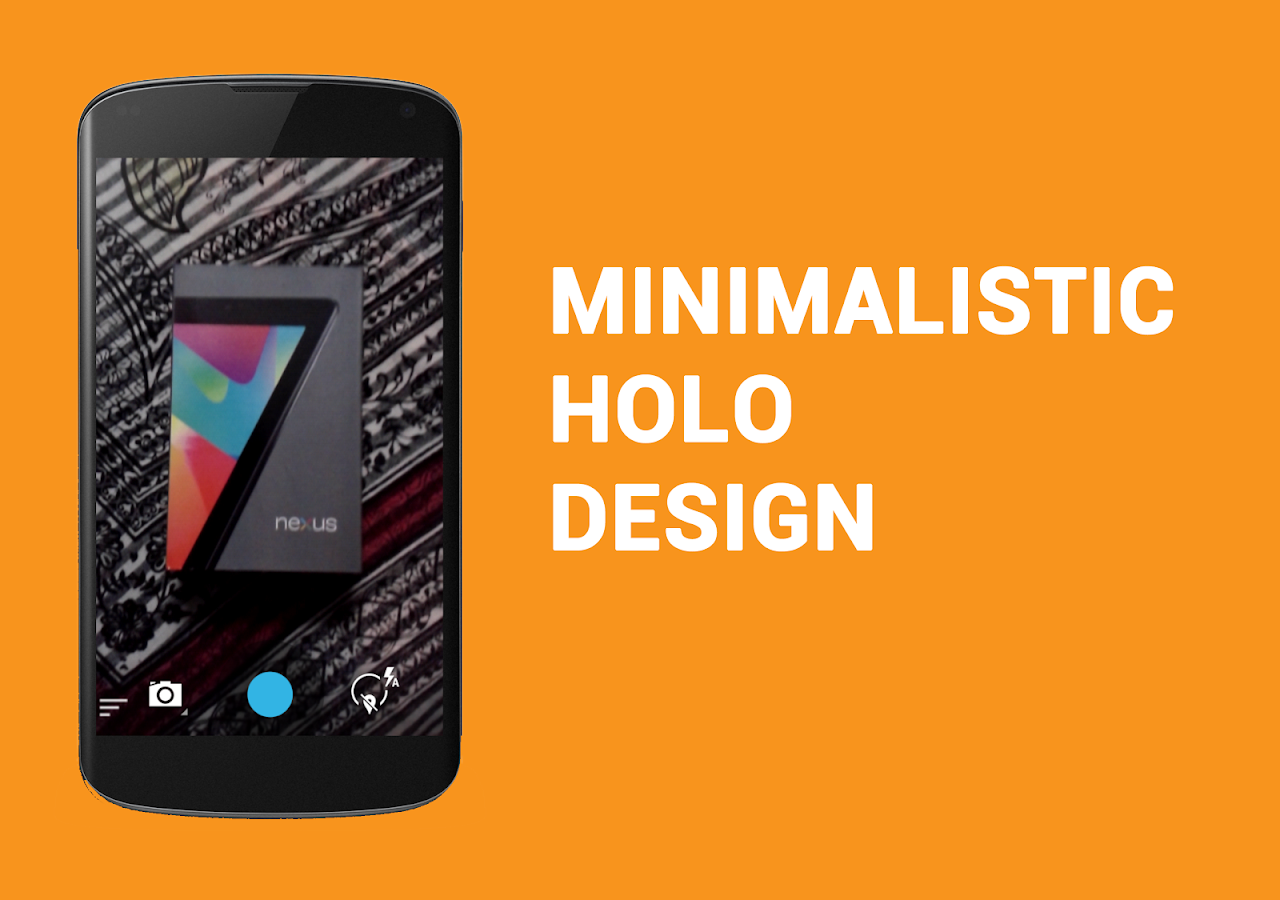
Features slick UI.Holo Camera+ is a source compiled, minimalistic version of the AOSP Android 4.4 KITKAT Camera.
Android Version: 4.0+

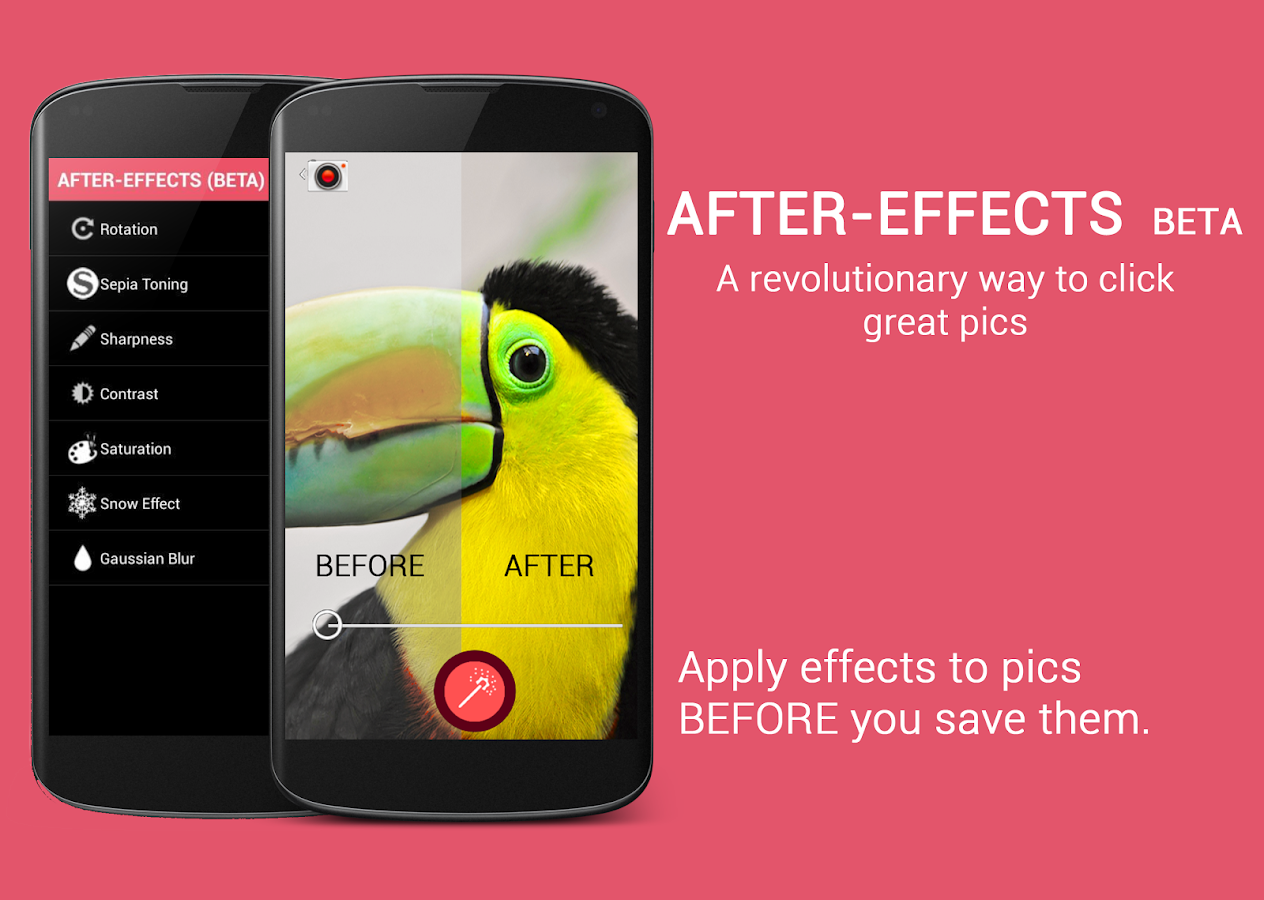
Forget the days of washed out, blurry images, with cool colors. Our special Opti™ mode BETA is here to liven up all your pics! Now comes with After Effects BETA! A revolutionary new way to edit pics BEFORE saving them!

Holo Camera+ has the following features:

Camera:
-3 modes: camera, video recorder and panorama
-Android 4.4 ARC UI
-Volume Rocker as Camera Shutter
-New FX modes
-New Scene modes
-Silent mode (might not work on some devices)
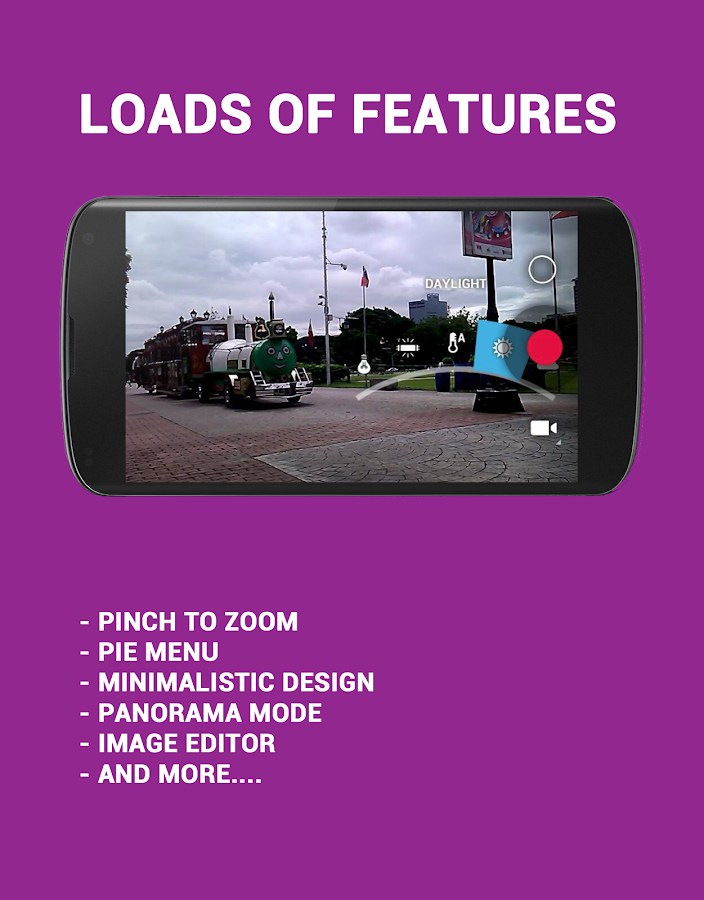
-Pinch to zoom
-Picture quality setting (low/medium/high/ultra)
-Timer
-Burst mode
-Thumbnail Review
-ISO Mode Settings
-Flicker Reduction/Anti-Banding
-Guidelines
-Video quality adjustable
-Per thumbnail context menu.
-Sliding Drawer for quick options.
-Flash Mode
-Live FX
-“ULTRA HD” resolution for devices with more than 8mp Camera. It can be turned on from Miscellaneous Tweaks>Ultra HD
-Configurable UHD Aspect Ratio: Choose between 4:3 or 16:9
-Separate tweaks for front and back camera.
-Scene mode
-Auto Exposure Settings
-Skin Tone Enhancement (NEW!)
-HDR Support
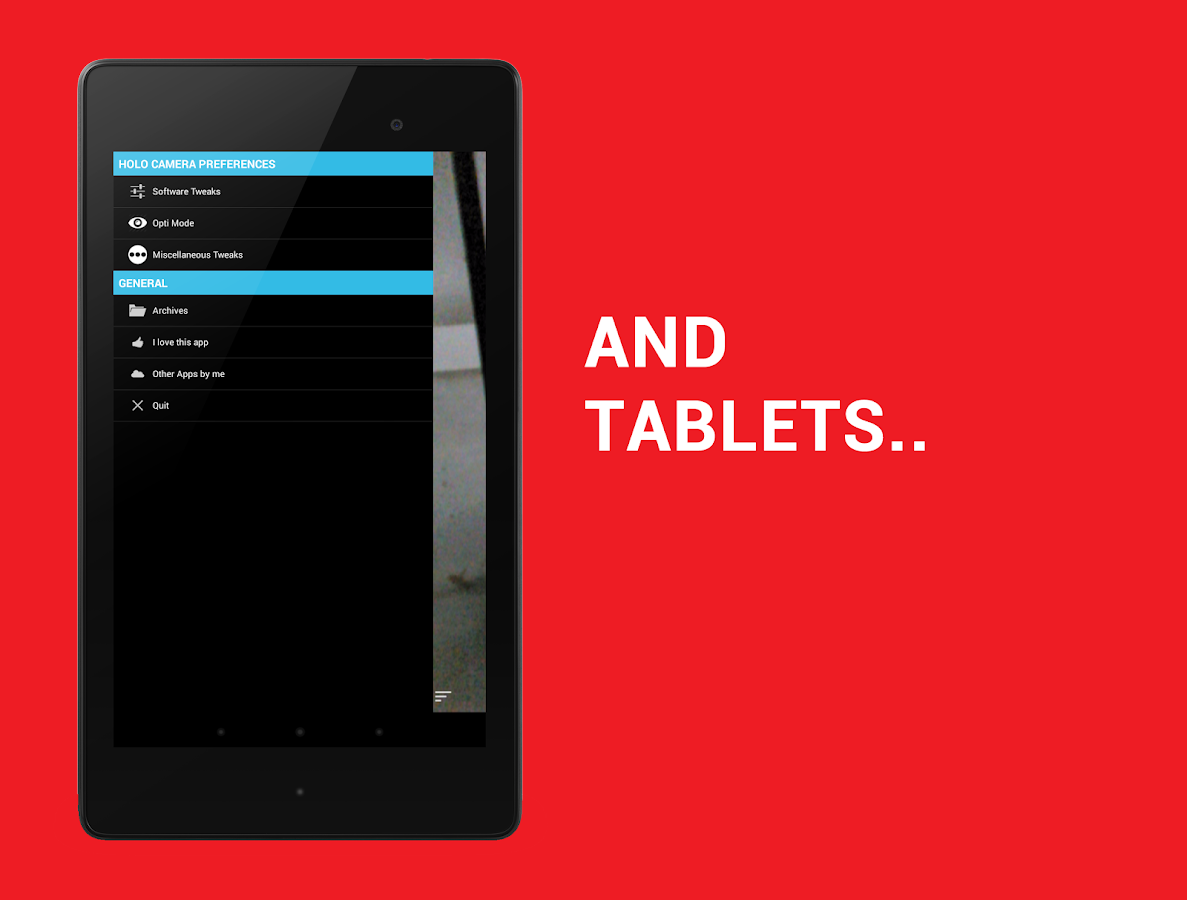
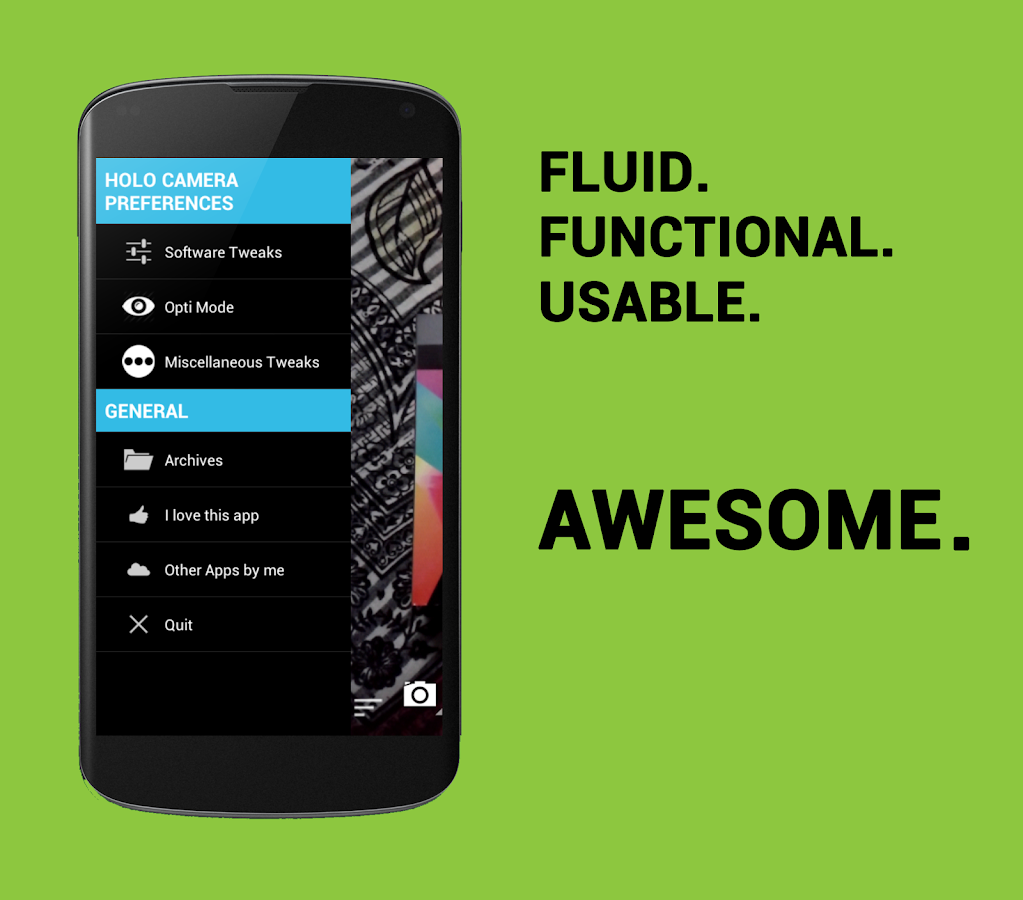
-Additional Settings ( SWIPE RIGHT FROM CAMERA AND PRESS MENU OR SWIPE FROM LEFT MARGIN TO ACCESS:)
+Silent Shutter Mode.
+Sunlight Visibility Mode
+Storage Location Settings.
OPTI™ MODE BETA: With OPTI™ CONTRAST, OPTI™ BRIGHTNESS, OPTI™ SHARPNESS AND OPTI™ SATURATION. With smart pixel by pixel recoloring LIVE and adjustable parameters, forget the days of bad images, take awesome pics with the most vibrant colors and clearest details!

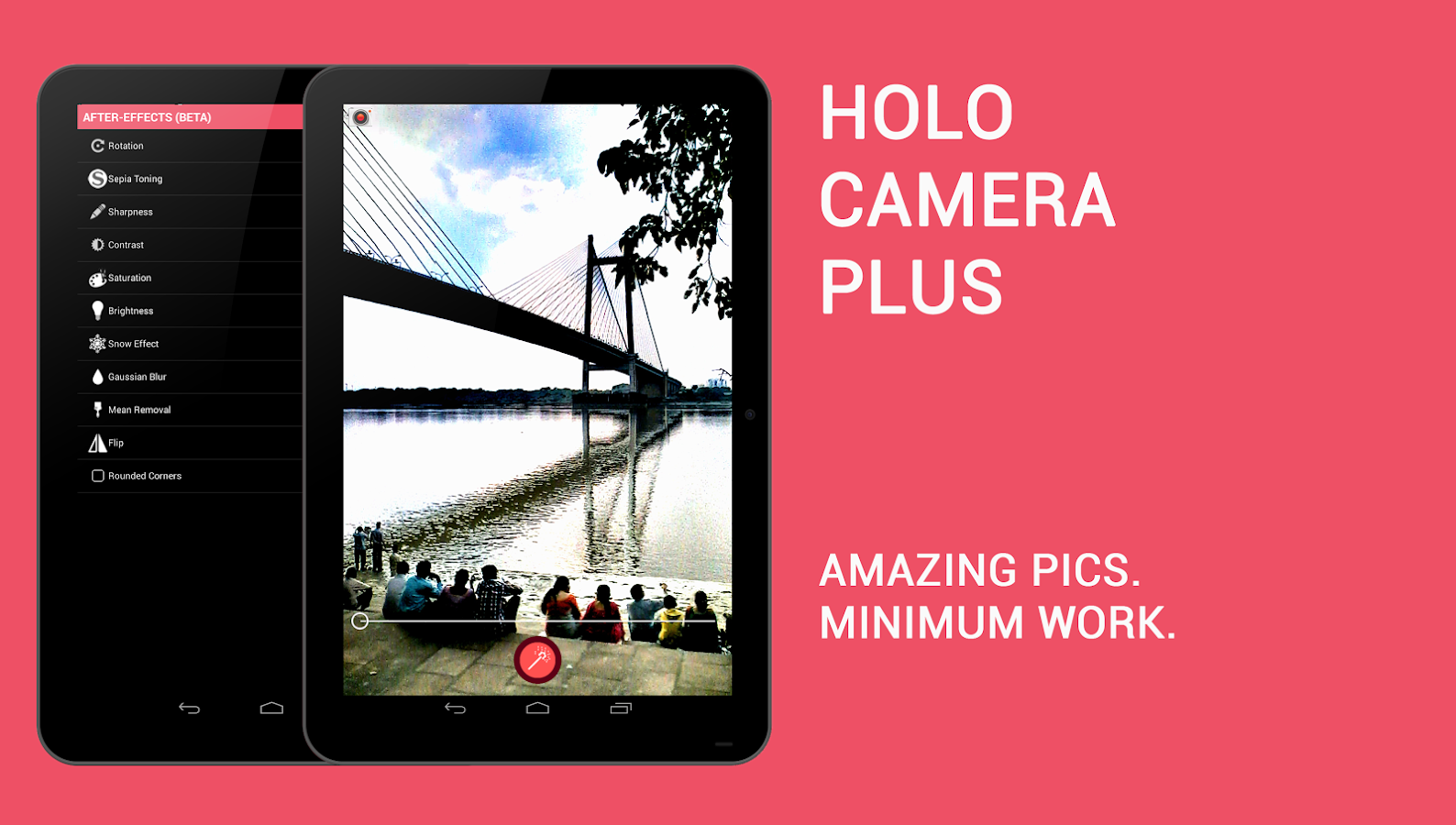
-The ALL NEW AFTER EFFECTS (BETA): A Revolutionary way to edit pics before saving!
Currently works with the back camera and supports 10 adjustable tweaks:
-Rotation
-Sepia Toning(RGB)
-Sharpness
-Contrast
-Saturation
-Snow Effect
-Blur
-Brightness
-Mean Removal
-Flip
-Rounded corners
-More coming!

Gallery:
-Ultra fast photos and videos viewer
-Grid view/Filmstrip view
-Swipe to delete
-Slideshow mode
-TONS of cool new features!!
-A VERY POWERFUL Image editor.

In This Version: [Jan 4,2014]
-Added an option to launch either Holo Mode or AFX mode by default in the launch screen. Once you activate this, it can be deactivated by going to Software Tweaks>Clear launch settings
-Fixed text alignment problems in startup screen

Screenshots:


Android Version: 4.0+
6.8 MB


Screen Filter Pro v1.7.0 APK

aforapk.blogspot.com

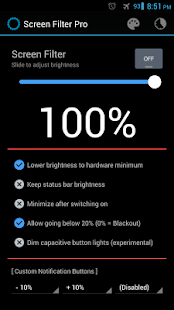
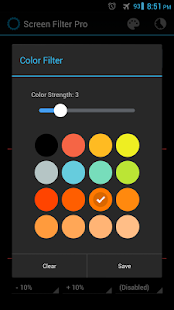
Screen Filter can lower your screen brightness to extremely low levels, to help prevent eyestrain during the night. Includes notification controls for Jelly Bean devices.

Android Version: 2.2+

Users can either upgrade the free version to Pro through in-app purchase, or directly purchase this version (for countries that don’t support in-app purchases) – both are the same in terms of functionality.

Features only in the Pro version:
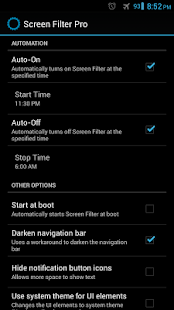
-Auto-On & Auto-Off: Screen Filter can turn on and off automatically based on your configurations
-Option to start Screen Filter at boot
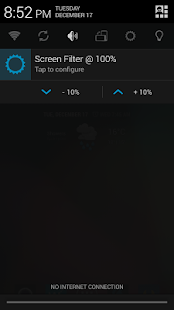
-Customizable status bar notification buttons (For Android Jelly Bean 4.1+):
-Up to three buttons can be added for quick access.
-Buttons to increase and decrease the brightness (+5%, -5%, +10%, -10%)
-Buttons to set a specific brightness (@0%, @10%, @20%, … , @90%, @100%)
-Quick toggles (stop, pause, reset)

In This Version: [Jan 4,2013]
- More comfortable filter colors
- Reduced RAM usage

Screenshots:


Android Version: 2.2+


Ben 10 Cavern Run v1.1.4 APK

aforapk.blogspot.com

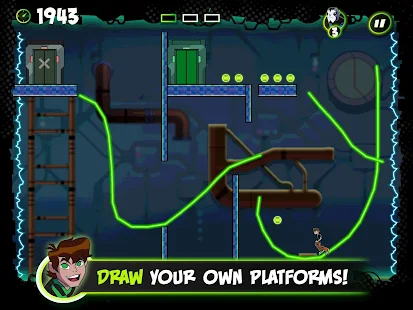
Unique and fun platform game where you draw your way to victory!
Dr Animo has escaped from prison using an army of giant ants! Draw lines, walls and ramps to guide Ben through Plumber HQ, the Giant Ant Hill and Dr Animo’s secret base and get ready for a final showdown with the Ant King.
Android Version: 1.5+

Draw platforms to run across gaps, create walls to avoid hazards and line up ramps to perform devastating attacks and defeat enemies on your way to the next level.

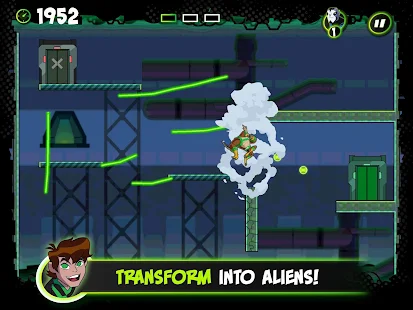
Collect power-ups to transform Ben into some of your favourite Omniverse aliens, each with their own special abilities – Shocksquatch, Kickin Hawk, Ball Weevil and Crashhopper.

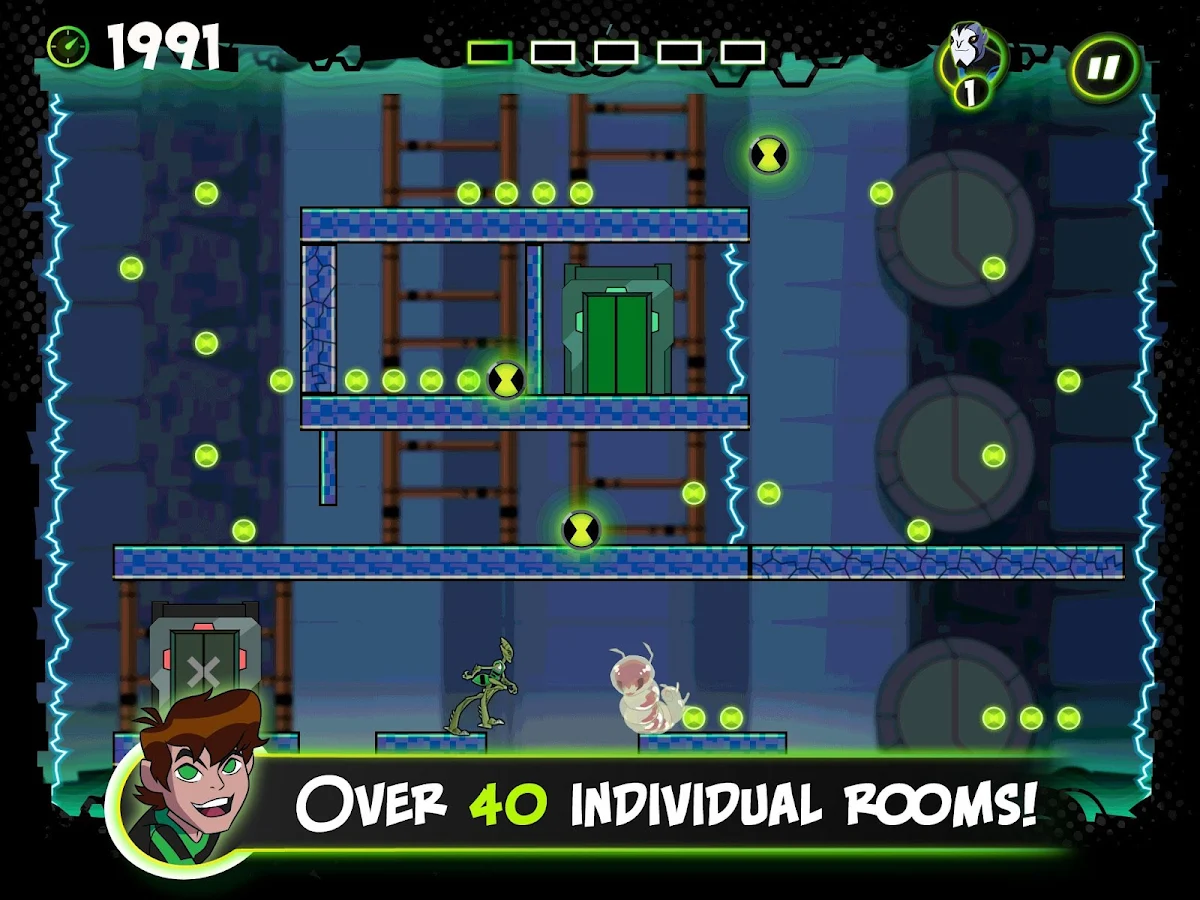
Features 3 Chapters based on locations seen in the show and over 40 individual rooms giving hours of gameplay.

Screenshots:


Android Version: 1.5+
46 MB


Tapatalk Pro v4.4.0 APK

aforapk.blogspot.com

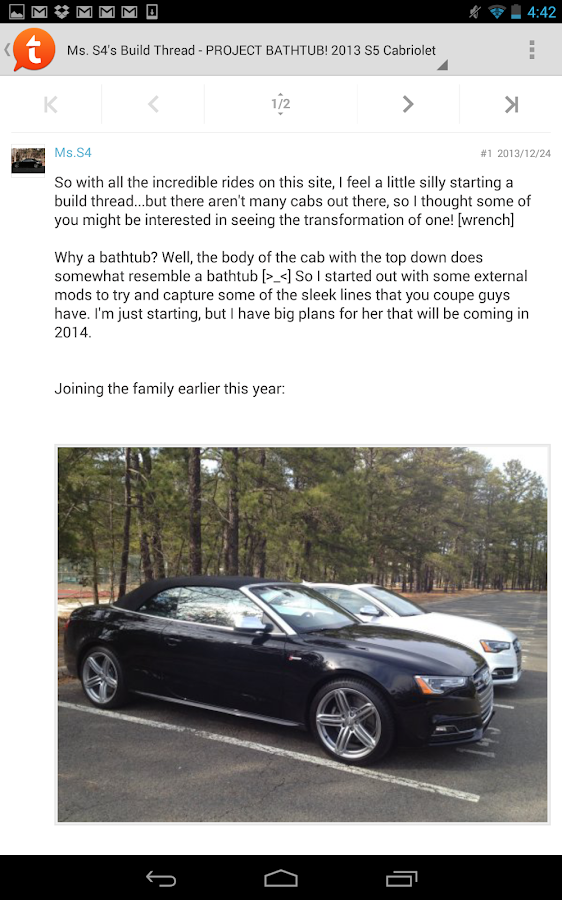
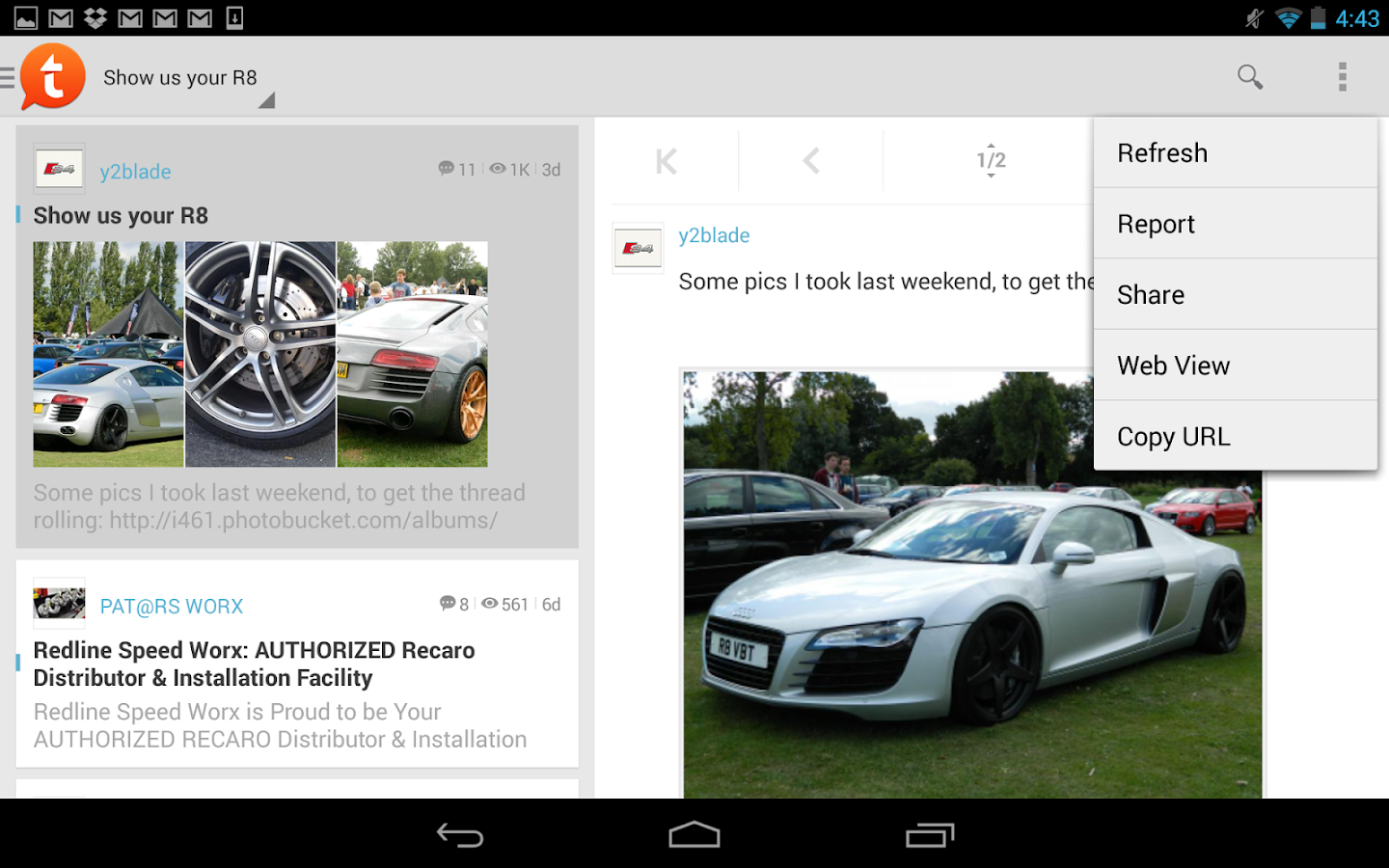
This is an all new tablet-optimized version of Tapatalk with built-in Photo Editor, unlimited photo sharing to Tapatalk without Tapatalk logo watermark. Fully tablet optimized layout to make use of additional screen real-estate. While this version will also work on phones the latest full featured, phone-optimized version of Tapatalk is available for free.
Android Version: 4.0+

Discover robust online communities and stay connected with your favorite forums on-the-go with this award-winning mobile app. Tapatalk is the only mobile app combining over 50,000 internet communities in a streamlined tablet experience. Fast and accessible features allow you to read posts, share photos, and keep updated on private messages in all your forum communities within a single mobile app.

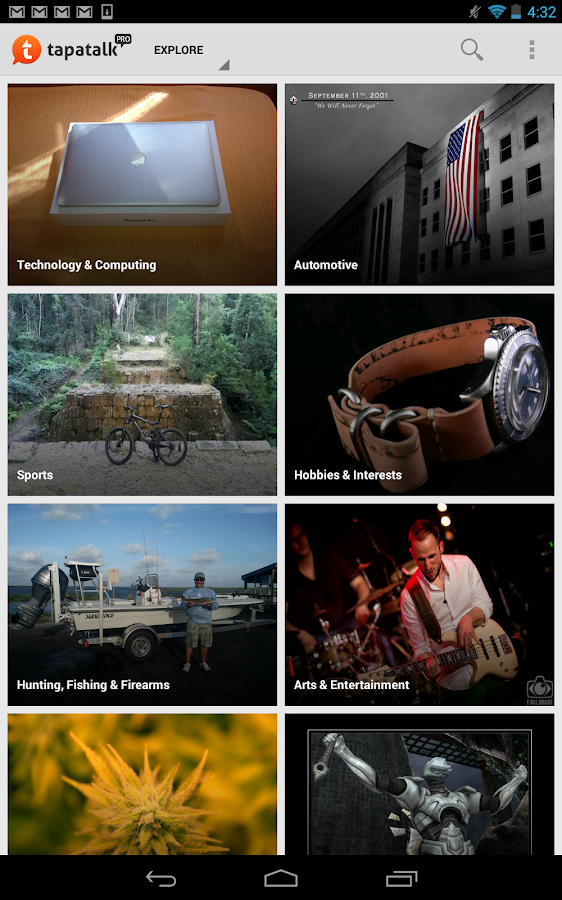
Tapatalk aggregates content from a network of communities that cover a wide variety of interests, from automotive to parenting, gardening to hiking – You will find a forum that matches your interests full of fellow enthusiasts that share your passion.

In This Version: [Jan ,2014]
-Tablet optimized layout with a single app
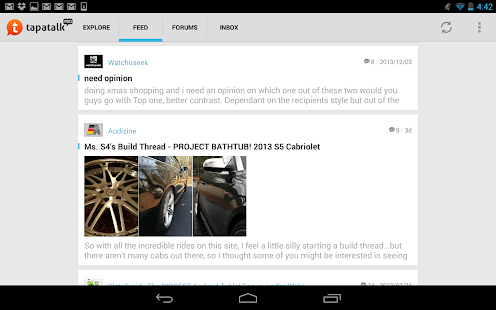
-“Feed” tab – our first attempts to pick the best content you like
-Ability to display image preview of a discussion
-Ability to disable all images and profile picture download in mobile network
-Ability to “jump to first unread” of a conversation (private message)
-Shorted quoted content with expanding link
-Other bug fixes and performance improvement

Screenshots:


Android Version: 4.0+
13 MB


Dayframe Prime All-in-One Slideshow v1.3.4 APK

aforapk.blogspot.com

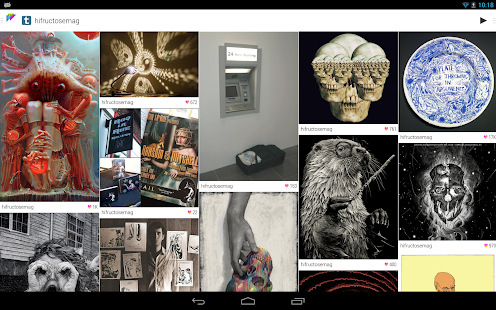
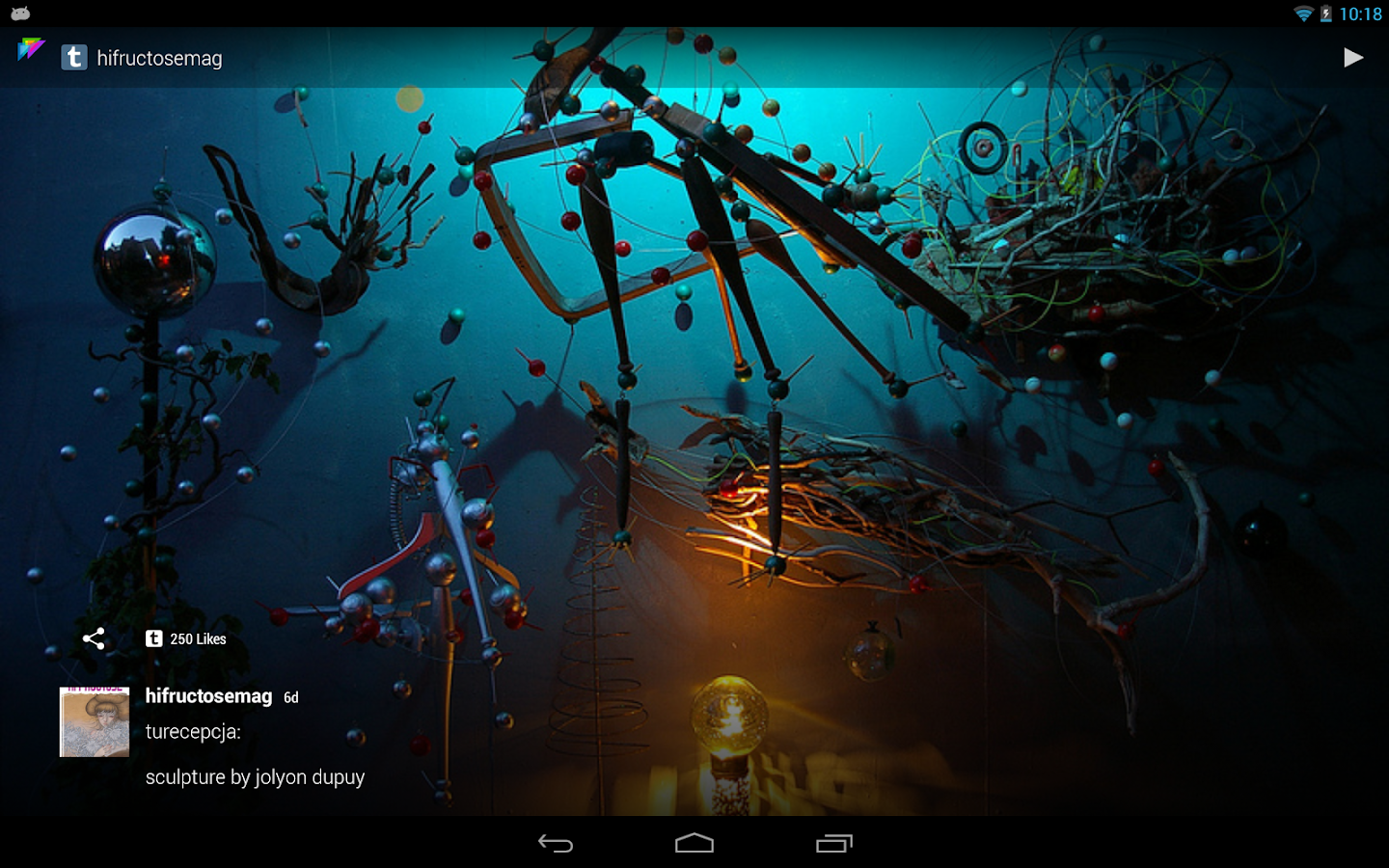
All of Your Photos in One Place: Dayframe works with your favorite photo sharing services to provide a ongoing slideshow of friends, family, and interests. Browse and share photos between Facebook, Instagram, Tumblr, Google+, Dropbox, Flickr, Twitter, 500px, and more.
 Android Version: 2.3+

-Ultimate Photo Frame:Put your device on a stand and let it play an endless stream of all your photos. Dayframe routinely checks for updates
so you always have what’s new without effort.

-Self-Managed Convenience:Dayframe is designed to automatically play when you’re not using your device. Once you’re set up, that’s it. Dayframe takes care of everything. No check-ins, no remembering, just set it and forget it.

-Screensaver Timer:You pick the best time to play as a screensaver, along with settings for network, battery level, and power source. The app won’t run all night or drain your battery / bandwidth.

-Interactive Slideshow:You can swipe back & ahead through photos & streams and long-press to zoom, w/ even more features in Prime.

-Gracefully Social:The social UI layer fades out of the way when you don’t need it. Just tap the screen to bring it back. Double-tap for a quick “like”. Tap the creator’s avatar & caption to open their user page & post.

-Live Party Pics:Use Dayframe and Instagram to show party-people pics during your event.

-Old Tablets are Awesome:Dayframe is excellent for re-purposing old tablets. Set up a tablet in your kitchen, living room, bedroom, or anywhere you want a powerful photo frame that doubles as web browser, remote control, and shareable device.

-Upgrade to Dayframe Prime:Custom playlists, advanced screensaver timer, brightness timer, app timer, local weather, and more!

Features:
-Fully automated photo frame
-All-in-one Facebook, Instagram, Tumblr, Google+, Dropbox, Flickr, Twitter, 500px, and more
-Smart auto-player
-Screensaver timer w/ power settings
-Custom playlist
-Photo gallery
-Unlimited photostreams
-Left & right side menus
-Immersive mode
-Onboarding & discovery
-Built-in guides
-KITKAT native (built on sdk 19)


In This Version: [Jan 3,2014]
- Fix for g+ FC in slideshow

Screenshots:


Android Version: 2.3+
12 MB


Camera FV-5 v1.61 APK

aforapk.blogspot.com
Camera FV-5 is a professional camera application for mobile devices, that puts DSLR-like manual controls in your fingertips. Tailored to enthusiast and professional photographers, with this camera application you can capture the best raw photographs so that you can post-process them later and get stunning results. The only limit is your imagination and creativity!


Android Version: 2.2+

Major features:
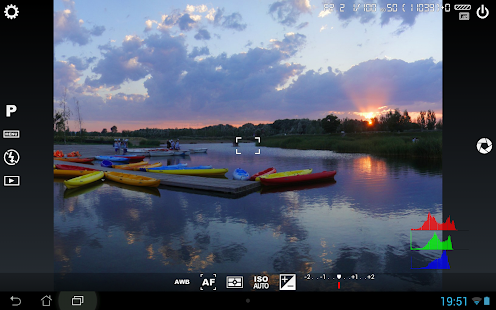
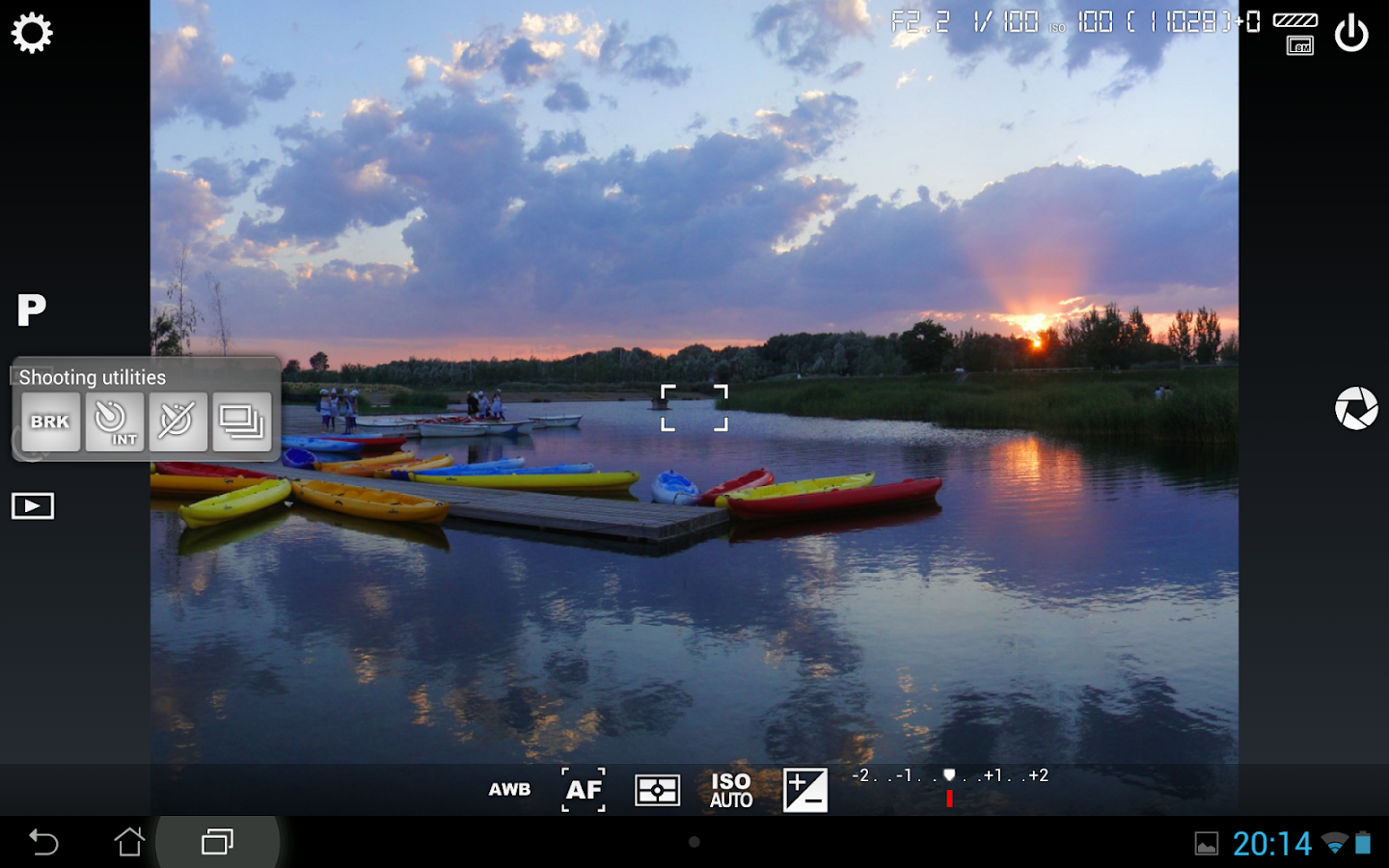
-All photographic parameters are adjustable and always at hand: exposure compensation, ISO, light metering mode, focus mode, white balance and program mode.
-DSLR-like viewfinder display: see exposure time, aperture and stops display with EV and bracketing settings.
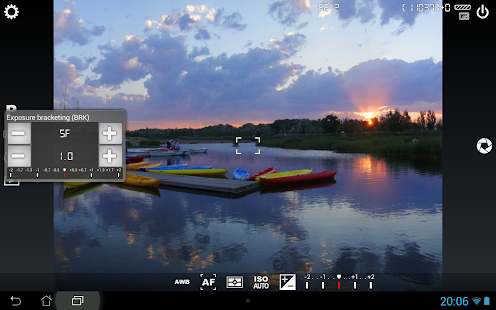
-Full fledged exposure bracketing: from 3 to 7 frames, unlimited stops spacing, plus custom EV shifting.
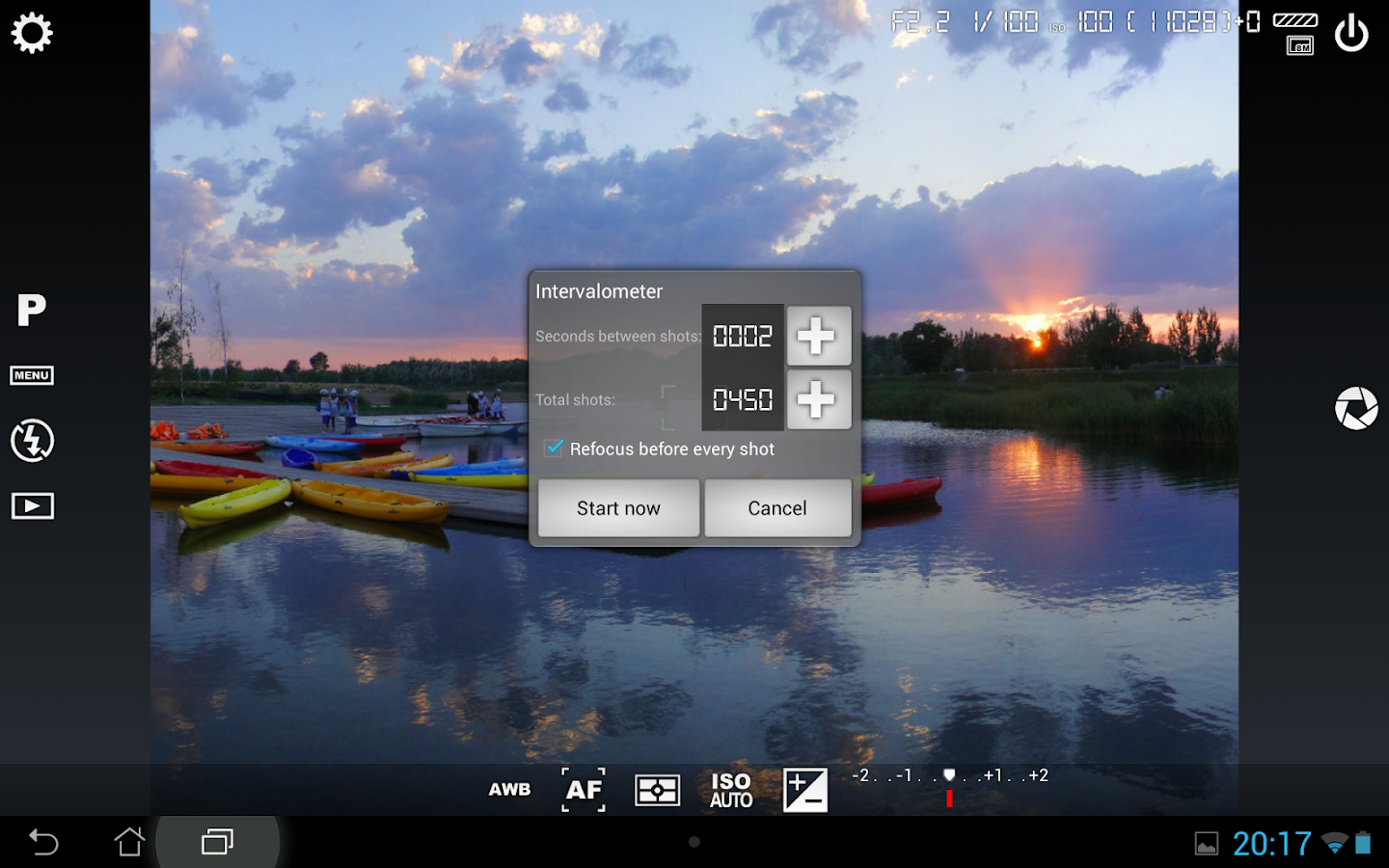
-Built-in intervalometer: make stunning timelapses (even bracketed/HDR timelapses) and time-controlled picture series.
-Program and Speed-priority modes.
-Long exposure support: take beautiful night photos and light trails with long exposure times up to 30 seconds*.
-JPEG as well as PNG** image formats for lossless photo capturing, perfect for post-processing.
-All camera functions assignable to volume keys. You can adjust EV, ISO, color temperature and more using volume keys. Devices with hardware camera shutter key are also supported.
-EXIF and XMP sidecar metadata support.
-Self timer for delayed shooting.
-Autofocus, macro, touch-to-focus*** and infinity focus modes, plus a focus lock switch (AF-L).
-Autoexposure (AE-L) and auto white balance (AWB-L) locks in Android 4.0+.
-In background photo developing and processing allows a smooth, uninterrupted camera operation.
-Digital zoom using multitouch pinch gesture. Also shows 35mm equivalent focal length!
-The most advanced electronic viewfinder: live RGB histogram, 10 composition grid overlays and 9 crop guides available.
-Powerful organization options: different storage locations and fully customizable file names (even with variables).
-The user interface is available in more than 25 languages.

This camera application completely avoids scene modes, instead you get full manual control over all photographic parameters, just like you do with a reflex camera, so you can ultimately control every aspect of the picture, and leave the post-processing to the computer. So after your DSLR, you will never miss a photo opportunity again, being able to capture it with the closer sensation to your DSLR as possible.

In This Version: [Jan 2,2014]
- Fixed: numerous bug-fixes for the LG Nexus 5. Crashes should be gone now, light metering modes are   now working, unfortunately ISO is not supported (LG has prevented ISO access on that camera module, a future firmware might fix it).
- New: immersive mode on Android 4.4 onwards.
- Fixed: Gallery and image swiping issues.
- Fixed: issues under new Android ART.

Screenshots:


Android Version: 2.2+
11 MB


Minimal UI Go Apex Nova Theme v2.5 APK

aforapk.blogspot.com

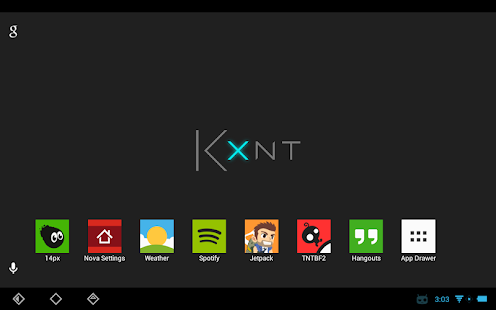
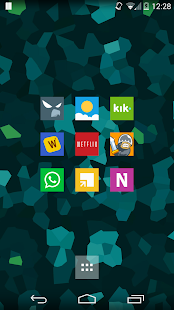
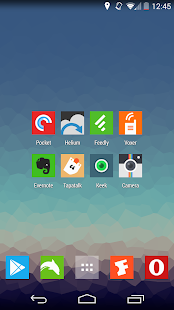
Minimal UI. A theme for Go Launcher Ex, Nova Launcher, Apex Launcher, Action Launcher Pro, Trebuchet Launcher & some others.The theme currently contains 1005+ icons & I’m constantly updating adding in more. Also contains 10 wallpapers.
Android Version: 2.2+

Recommended icon sizes are:
- Nova Launcher (Prime): 100% or 105%
- Apex Launcher: 100% or 105%
- Go Launcher: Default Size (small)

This is NOT a standalone app, you need a launcher such as Go, Apex, Nova, etc that allow custom themes.

Installation:
1. Install Nova, Apex, or Go Launcher (all free in the Play Store)
2. Install this theme
3. Find Minimal UI in any of the launcher’s theme settings, then apply.

In This Version: [Jan 4,2014]
- 50 new icons. http://kxnt.tumblr.com for details!
- New wallpapers!


Screenshots:


Android Version: 2.2+
6.2 MB